 CaixaUnica
Treasury bonds, CDBs and funds that arrive on their own: Open Finance for investments
When people talk about Open Finance (Brazil's open-banking system), everyone thinks of bank statements and card bills. But the most underrated part of the system is something else: investments. Your Tesouro Direto position (Brazil's government-bond program), the CDBs scattered across two banks, the LCI maturing next year, your fund units — the institution shares all of that too, with your consent.
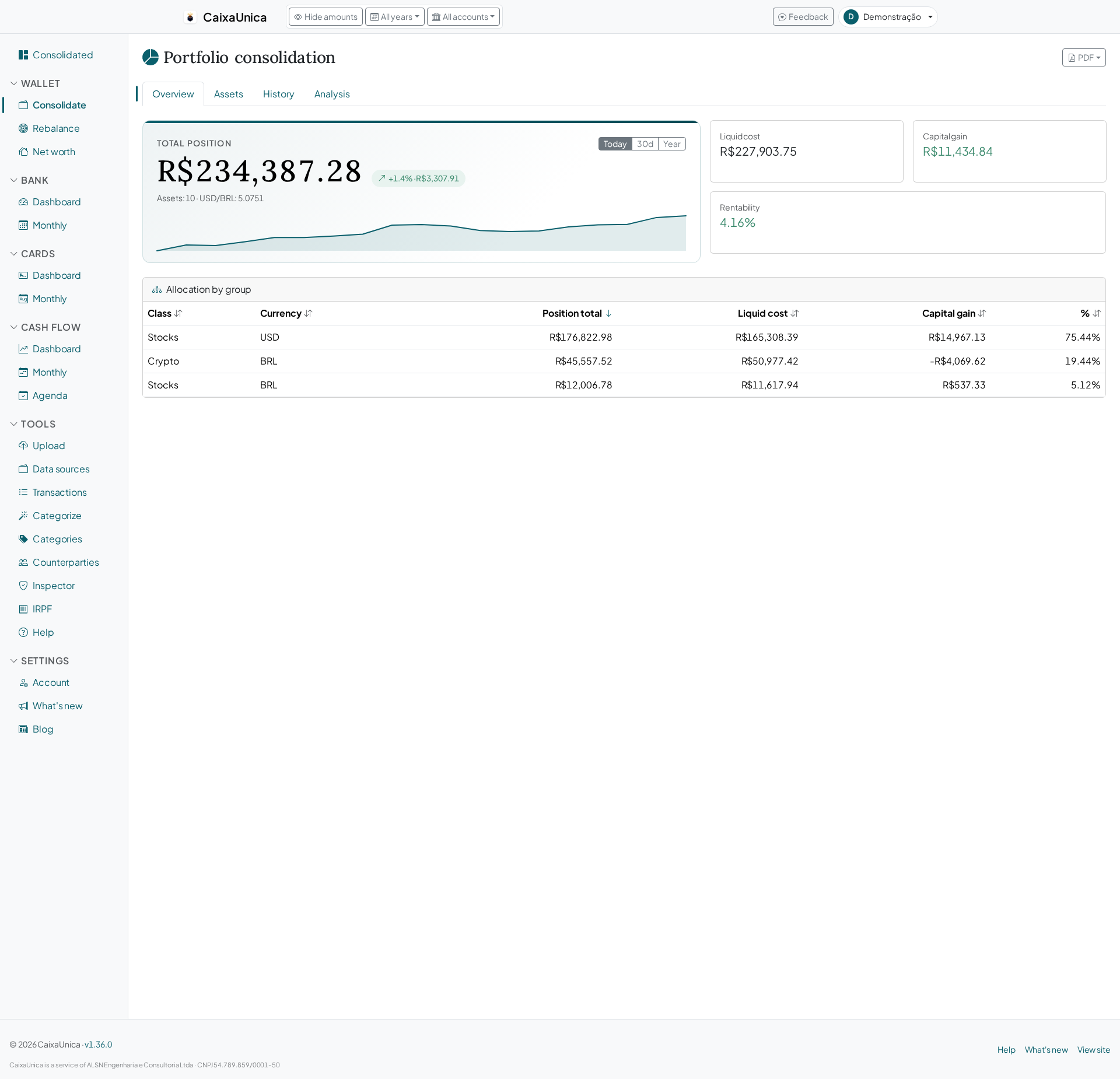
CaixaUnica uses exactly this channel: you connect the institution once and the positions start showing up in the portfolio, alongside what you already import from B3 (the Brazilian stock exchange), Avenue and Binance.
What comes in on its own
- Tesouro Direto — the exact bond, identified by rate type and maturity.
- CDB and RDB — bank-issued fixed-income certificates, with issuer and an up-to-date balance.
- LCI, LCA, CRI and CRA — credit notes already flagged as income-tax-exempt for your return.
- Investment funds — identified by their CNPJ (Brazil's corporate tax ID) and priced at the official quota reported to CVM (Brazil's securities regulator).
Stocks and real estate funds keep coming in through the B3 reports, which remain the most complete source for average cost and corporate actions — the two paths live side by side in the same portfolio.
Not just today's balance
Any app can show a current balance. The perennial problem is cost: without knowing when and for how much you invested, there is no real rate of return and no basis for income tax.
When the institution reports the movements, CaixaUnica uses the real dates and amounts. When it doesn't, the system reconstructs the cost from the investment date and the official historical price — the Treasury's own series for government bonds, the CVM quota for the date for funds. The result is a position with a beginning, a middle and an end, not a loose number.
Always up to date, no effort
Once connected, the institution notifies us when there's something new, and CaixaUnica also resyncs daily on its own. No more exporting a file after every contribution.
What about income tax?
This is where the integration pays back the connection effort (which is none). On the return:
- Each fixed-income position goes into Assets and Rights with the right code — 04.02 for Tesouro/CDB/RDB, 04.03 for LCI/LCA/CRI/CRA, which are exempt.
- Funds come in identified by their CNPJ, exactly as the tax authority requires.
- The full report exports to PDF and CSV for checking and typing in.
Security and control
- Access is read-only: CaixaUnica sees balances and movements, and never moves anything.
- The connection is born from a consent you grant, which can be revoked at any time.
- Disconnecting doesn't delete your data — the history stays yours. And if you want to remove what a connection imported, there's an explicit undo for that.
How to turn it on
- Go to Account → Open Finance and click Connect.
- Choose your institution and authorize the sharing.
- Wait for the first sync — the positions appear in the portfolio and in the consolidated dashboards.
Check the pricing page to see what's included in your plan — and connect your first account in seconds.