 CaixaUnica
Display currency: see your net worth in BRL, USD or EUR
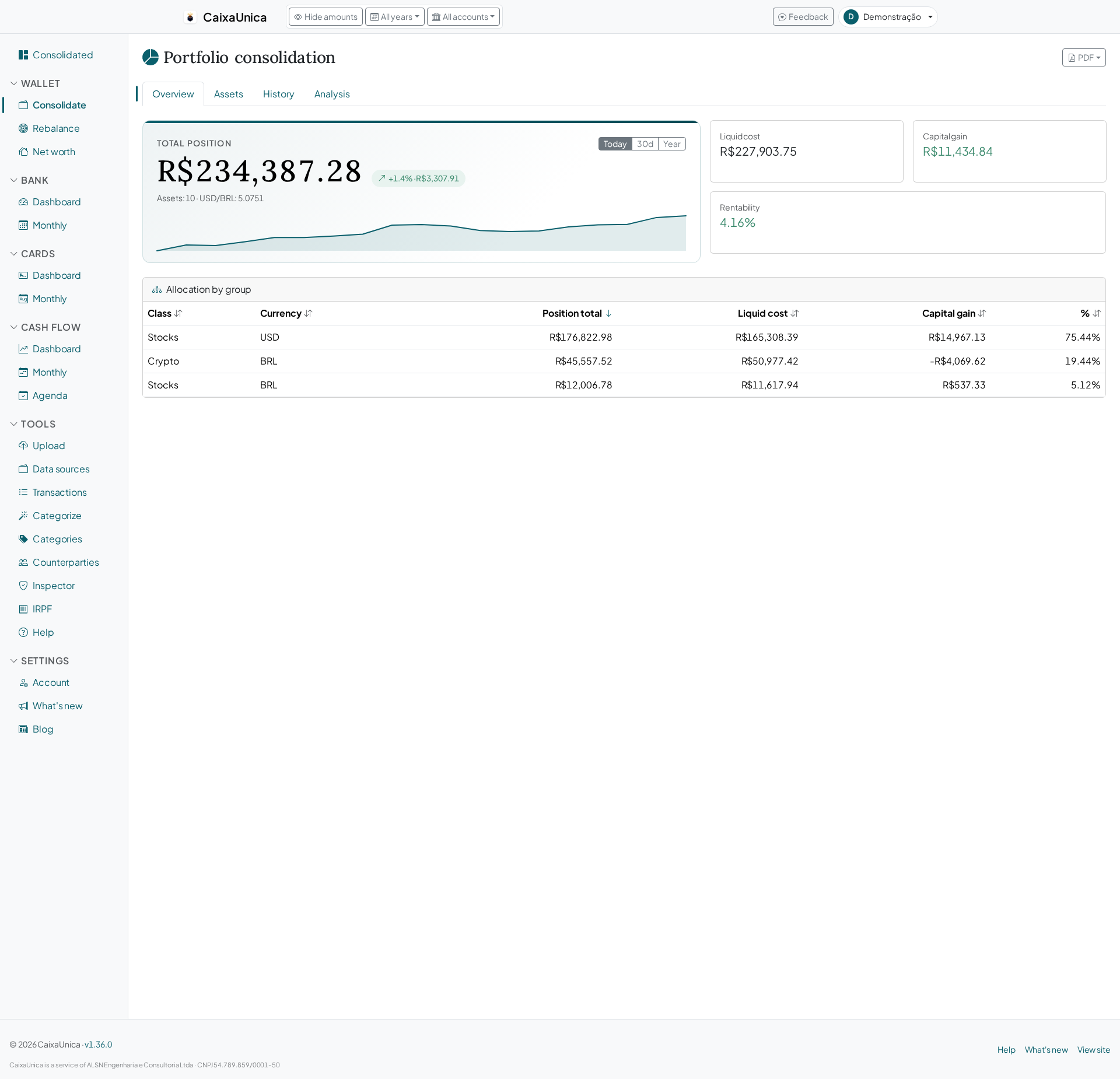
You hold Brazilian stocks, an ETF or two on Avenue, some crypto, maybe a fund abroad. Half your net worth is denominated in reais, the other half in dollars — and every time you want the one number that matters, "how much do I have, total?", you open a calculator and convert by hand. Worse: you actually think in dollars for part of your financial life, but the app insists on showing everything in reais. CaixaUnica's display currency fixes that.
Pick a currency, read the total in it
Under Account → Profile you choose the currency you want to read your numbers in: Brazilian real (R$), US dollar (US$) or euro (€). The choice is saved to your account — it's not a button you tap every session, it's a preference that sticks. Switch to dollars and, next time you open the dashboard, your net worth total and consolidated portfolio value already show in dollars, converted at the latest exchange rate.
The conversion happens only when the number is displayed. Underneath, everything is still computed in reais — so switching back to BRL recovers the original figures exactly, with no rounding drift. It's a reading lens, not a re-accounting.
What the display currency converts
Conversion applies to the consolidated totals — the big, top-level numbers:
- Your portfolio total across every source you import (Brazilian brokers, Avenue, Binance and more), including the per-asset-class subtotals.
- Your net worth on the main dashboard — accounts, cards, investments and assets summed together — along with the history chart over time.
- The wallet PDF report, which comes out already in the currency you chose, with the correct symbol in the header.
What stays in its native currency
Here's the important part — and the one we're careful not to overstate. The display currency does not rewrite everything. It touches only the consolidated totals. These stay in their original currency:
- Each asset's native value. A US stock keeps showing in dollars; a Brazilian stock in reais. That's how it should be — a security's price is its price, in its own currency. Only the summed total appears in your reading currency.
- Transaction lists. Every line from your bank, card and cash-flow stays in the currency it actually happened in.
- The bank, card and cash-flow pages. These are your day-to-day movements, in each account's real currency — there's no point "dollarizing" a statement.
So you get a top-level view in the currency that makes sense to you, without losing the truth of each individual asset and transaction underneath.
Tax reports are always in reais — full stop
This is the rule that doesn't bend: your income-tax reports (IRPF) always come out in Brazilian reais, no matter which display currency you picked. Brazil's federal tax authority requires assets, income and capital gains to be declared in reais, so those reports simply ignore your display setting.
That's a protection, not a limitation. If the app converted your tax figures to dollars because you set dollars in your profile, you'd have to convert them all back at filing time — and risk getting it wrong. Here, the dashboard adapts to how you think, but what goes to the tax authority stays in the language it demands: reais, always.
How to use it
- Go to Account → Profile and pick real, dollar or euro as your display currency.
- Save. The preference is stored on your account.
- Open the dashboard and the wallet and read net worth and totals in your currency.
- Need a specific asset's real value? It's still there, in its own native currency.
Stop reaching for the calculator every time you want to know how much you have, total, in the currency you actually think in.
Start your free 14-day account — every module unlocked, no card details required.