 CaixaUnica
Import it all at once: OFX, CSV, Excel, and PDF in a single batch
The tedious part of organizing your finances is almost always the same: each bank exports differently, the card bill comes in another format, the brokerage in a third — and you end up opening a spreadsheet to try to stitch it together. The CaixaUnica importer exists to wipe out that work. You drop in the files, it figures out what each one is, and consolidates them into a single dashboard.
Several files at once
No need to import them one by one. Select (or drag in) as many files as you want at once. Each one joins a queue, gets identified, and a single click on Run imports the whole batch. You can drop your bank statement, your card bill, and your brokerage report together and let the app handle the rest.
It figures out the format on its own
You don't have to say "this is a bank statement" or "this is a bill". When you add a file, the importer recognizes it automatically — the type (bank, card, brokerage) and the format — and shows you what it detected before importing. If you ever want to override it, just pick the format from the list; but most of the time you don't have to touch a thing.
The formats it understands
- OFX — the standard statement and bill format from most banks and cards. It's the cleanest way to import: dates, amounts, and descriptions come in already structured.
- CSV and Excel — exports from banks and brokerages that offer a spreadsheet.
- PDF — for institutions that only provide a PDF statement, such as the Itaú checking-account statement.
In practice this covers bank accounts (personal and business, including multi-currency accounts like Wise), credit card bills from many issuers, and brokerages like B3, Avenue, and Binance — all in the same place.
Import without fear of duplicates
This is the peace of mind that changes the game: a repeated transaction is never double-counted. Re-imported the same file by mistake? Two statements with overlapping periods? The importer recognizes what already exists and skips the repeats. You can re-import all you like — the numbers stay correct.
The right account, no setup
Leave the account field blank and the app links the import to the correct account or creates a new one automatically. You don't have to register accounts in advance or remember any numbers: import first, and the organization happens on its own.
And then it all shows up together
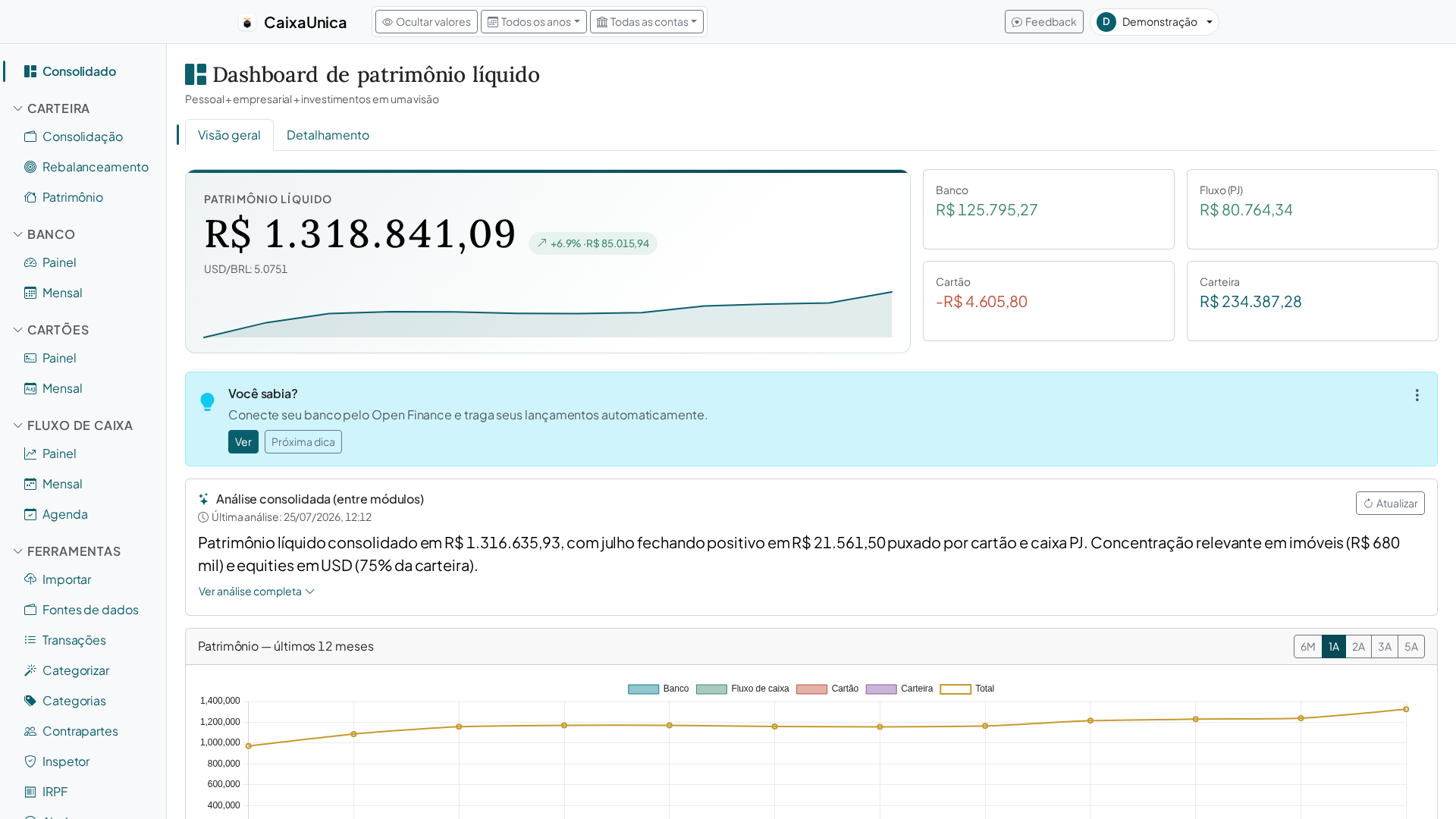
After importing, your bank, card, cash flow, and portfolio appear consolidated: balances, spending by category, the month's money in and out, your investment allocation. The importer is just the front door — the value is in seeing everything added up in one dashboard, refreshed with each new file.
Get started now
Gather the files you already have — your bank's OFX, the card bill, the brokerage statement — and import them all at once. Don't have an account yet? Create one and upload your first batch in a few minutes.